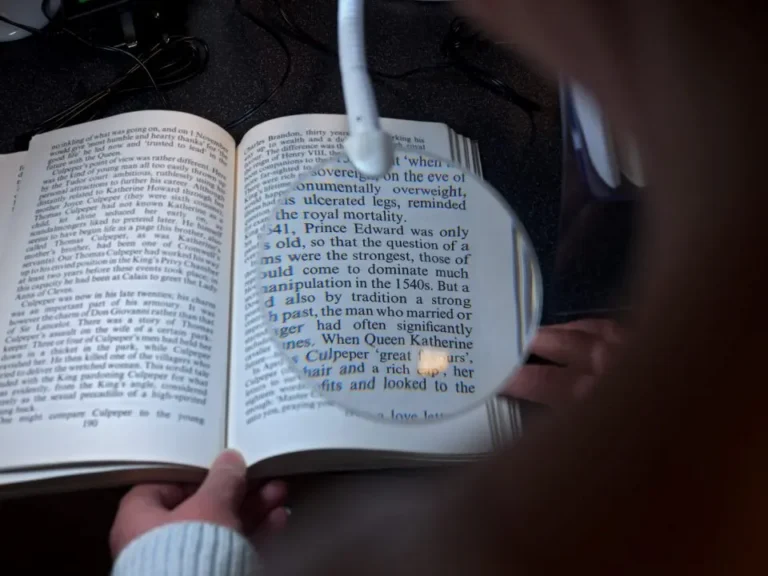
Eye Conditions
Just been diagnosed? Start here. Plain-English guides to common eye conditions and what they mean for your sight.
Read moreChange your text size
Change colour contrast mode
Accessibility help
Just been diagnosed? Start here. Plain-English guides to common eye conditions and what they mean for your sight.
Read moreSomething to do, people to do it with. Activities and support groups across York, all designed around sight loss.
Read moreChange your text size
Change colour contrast mode
Accessibility help
Just been diagnosed? Start here. Plain-English guides to common eye conditions and what they mean for your sight.
Read moreIf typing on a keyboard is difficult, Windows lets you dictate instead. This short guide shows you how to turn voice typing on with a keyboard shortcut, and how to start dictating into any text box.
The Windows Typing tool enables you to use your voice to type rather than using a keyboard.
To enable Voice Typing:
Press ‘Windows key’ + H to bring up a box on your screen.
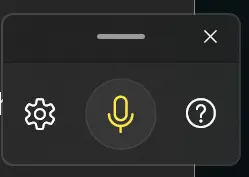
In order to voice type click in a textbox → Click on the microphone, it will highlight to indicate it is listening.